
Griftmeter is an AI usage meter for your desk. Everything you need, assembled and ready. GM-100 gauge and a 3 ft USB-A to USB-C cable. A desk stand. One shell of your choosing, already fitted. Pick your shell below.
$77.77
Griftmeter is an AI usage meter and coach
Griftmeter shows how much of your AI limit is left, tells you when a prompt turned out to be a pricey one, suggests a smaller model when one would do, and keeps the number on your desk.*

The gauge is the fun part. This is the part that actually saves money. A real screenshot from the same program that runs on your desk, not a mockup.

When a prompt costs a lot, it says why: how much was spent re-reading the conversation, and what starting fresh would have cost instead.
When a lighter model would have done the same job for less, it says so, with the real percentage from your own numbers.
How much of your window is left and when it comes back, without opening anything.
Lots of people pay for AI every month and can't see how much they have left. Here's the idea in 15 seconds.
Griftmeter is an AI usage meter for your desk. Everything you need, assembled and ready. GM-100 gauge and a 3 ft USB-A to USB-C cable. A desk stand. One shell of your choosing, already fitted. Pick your shell below.
$77.77
Phosphor green on a warm cream case. It prints the figure, holds it, and waits, which after a day of being agreed with is genuinely restful.
$17.77
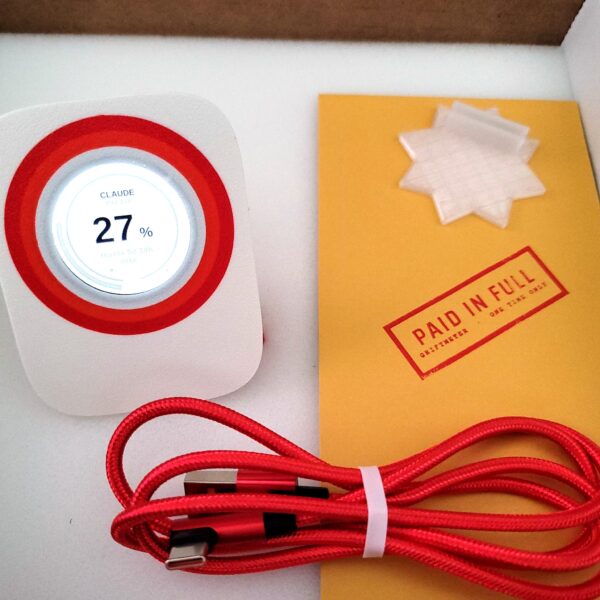
The plain one. No face, no reaction, nothing that will embarrass you on a screen share. Ten colors, and the names do all the work the shell refuses to do.
$17.77
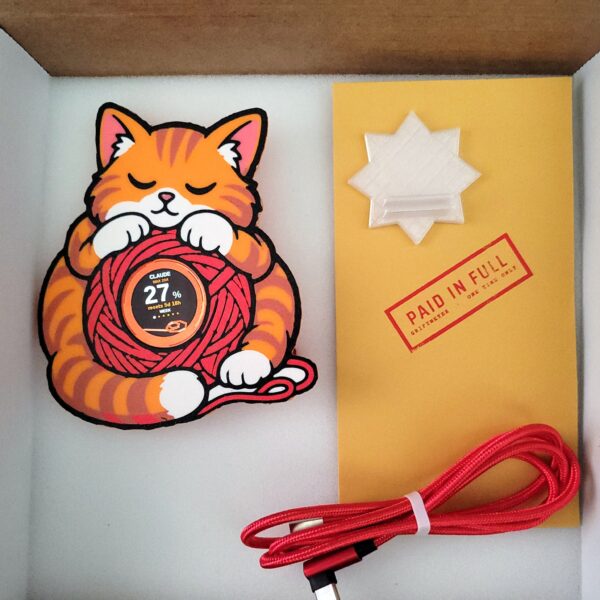
Asleep on a ball of yarn with the number in the middle of it. He does not know what the figure means, he does not know there is a figure, and at the end of the window he does not wake up.
$17.77
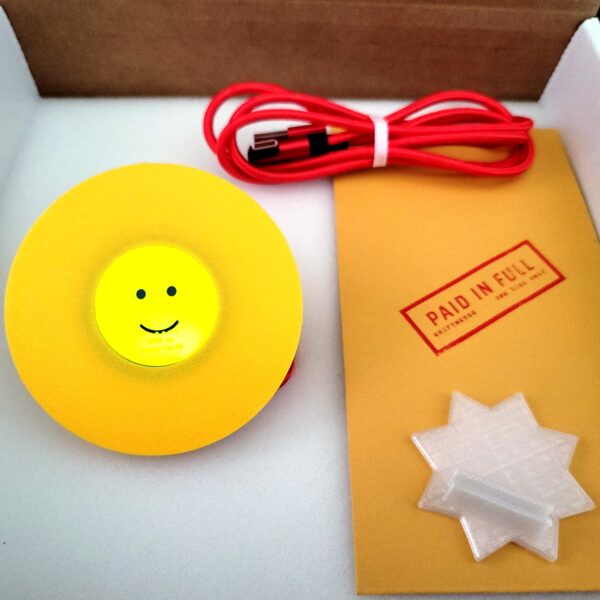
No character around the screen, because the character is the screen: it goes yellow, then amber, then a hot orange you can read from across the room.
$17.77
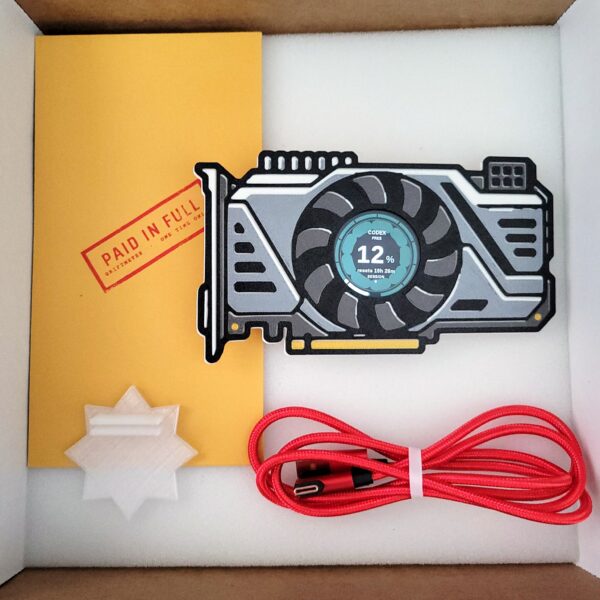
The card at the far end of the invoice. It reports a fan curve and a thermal limit, it does not stop when your window does, and it has no opinion about any of it.
$17.77

The landlord of your context window, sat in the chair he bought with your money. He has a mouth on him, and he uses it.
$17.77
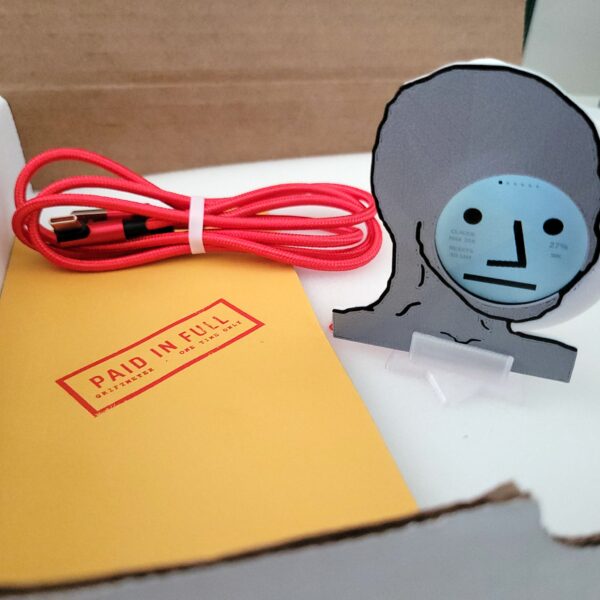
A desk gauge for your AI spend, worn by a man with no opinion about it whatsoever. He will tell you the number. He will not tell you how he feels, because he does not.
$17.77
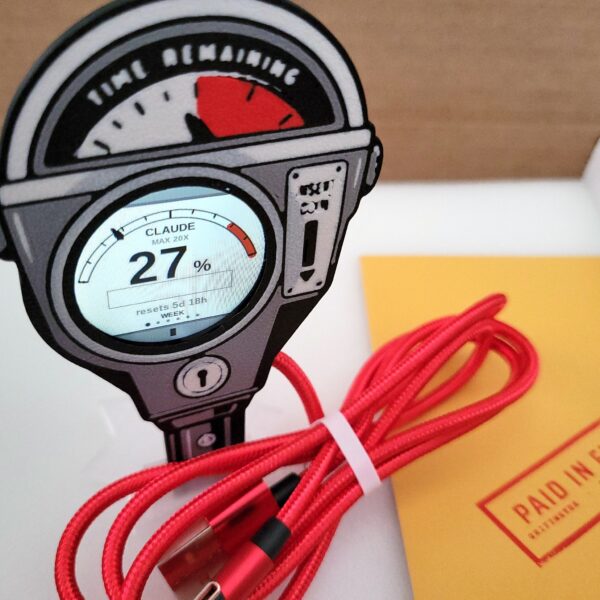
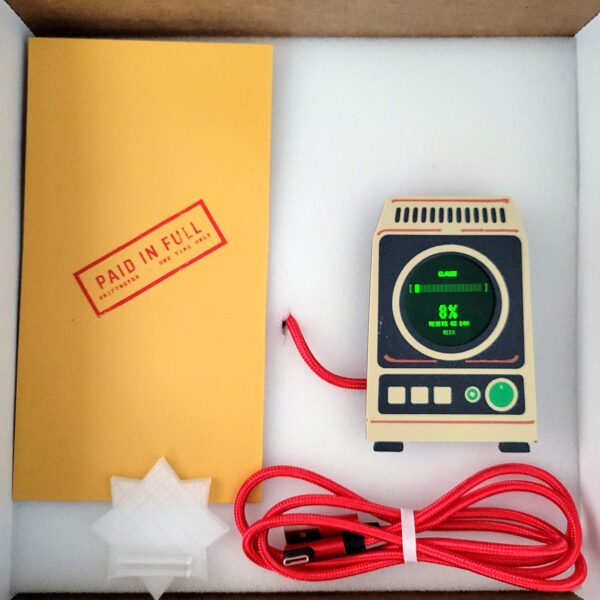
A die-cast meter head with TIME REMAINING stamped across it. The pointer walks toward the red, and at the top of the scale the violation flag drops.
$17.77
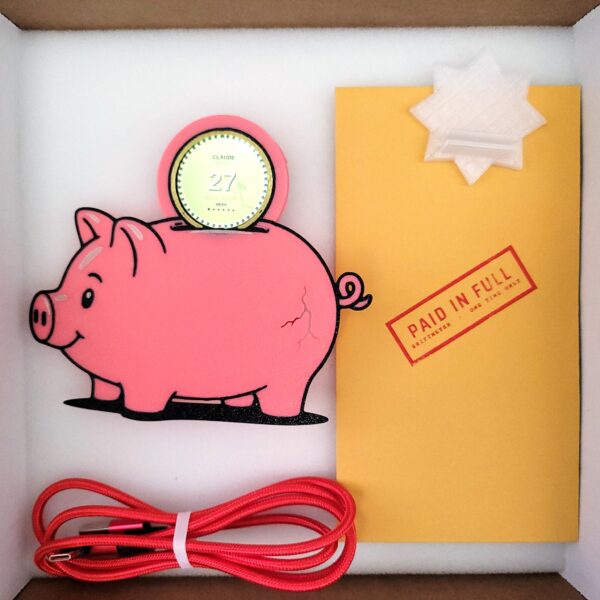
A struck coin going into the slot, with your percentage on the face. Every twenty percent puts another crack in him, and he takes it personally.
$17.77
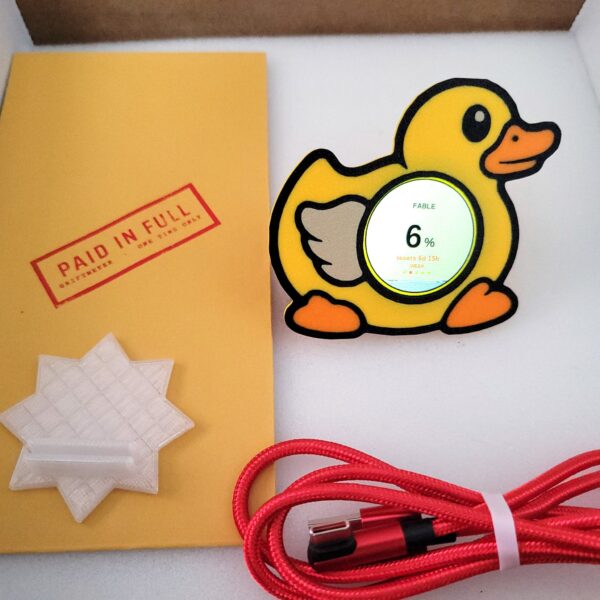
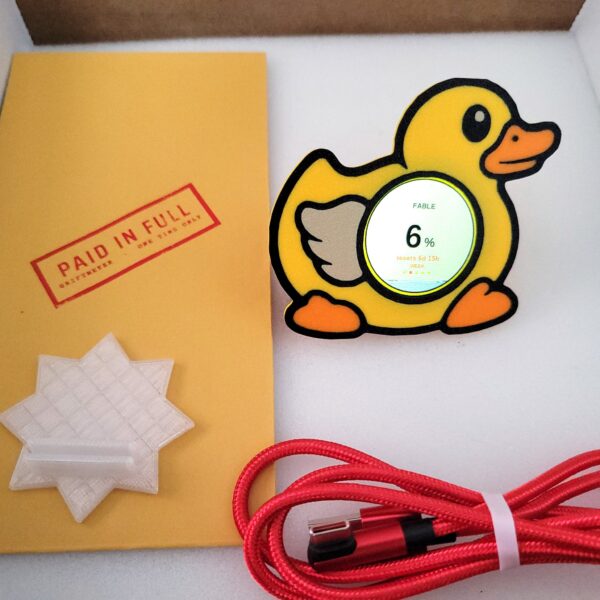
The debugging duck, with the number in its belly. It has no analysis, no opinion about your spending, and the nearest thing it has to a remark is agreeing with you.
$17.77
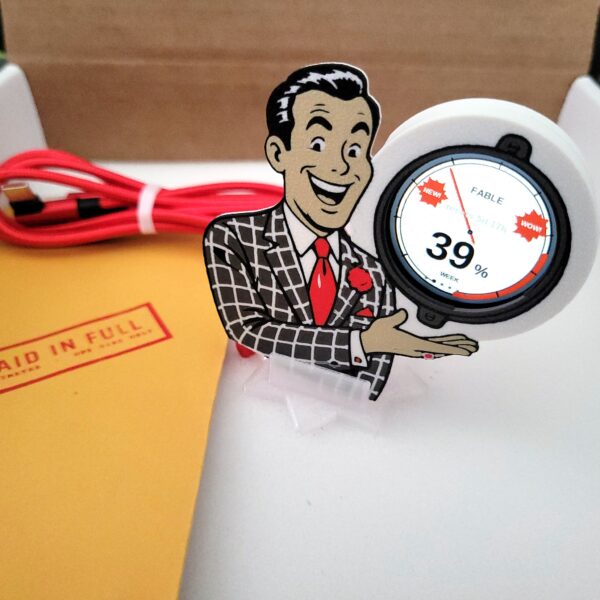
A desk gauge for your AI habit, held by a man who is genuinely, greasily delighted that you are spending it.
$17.77
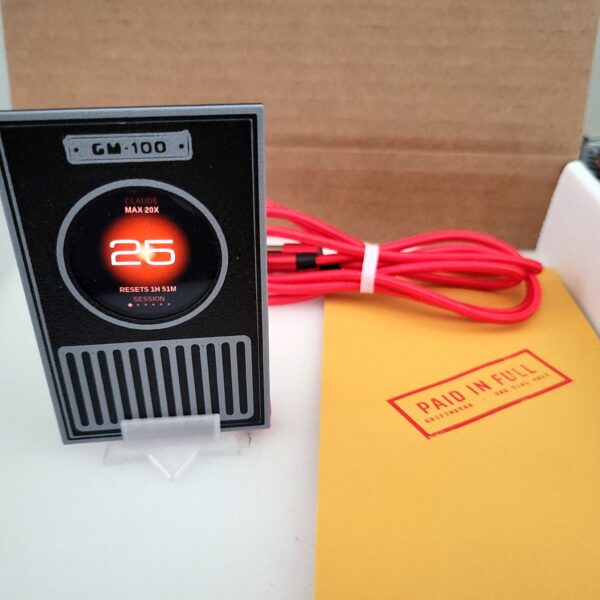
The one you can leave out during a screenshare. One eye, one number, and nothing on it that invites a question from anybody walking past your desk.
$17.77
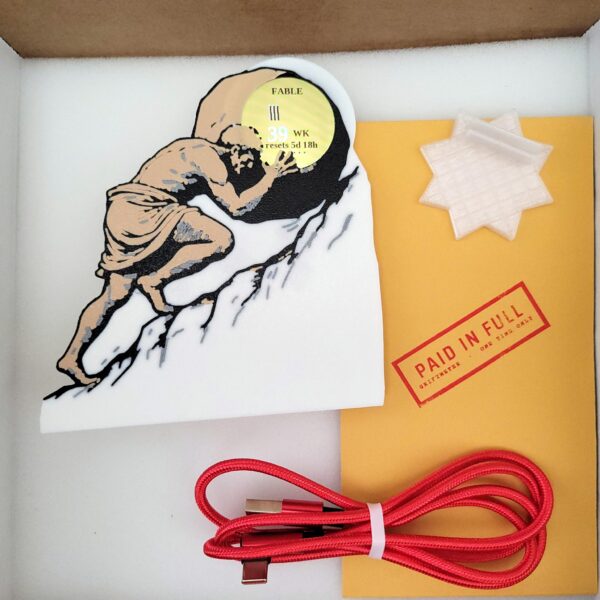
A desk gauge for your AI habit, in the shape of the one man who truly understood recurring billing. He pushes. The number climbs. The window resets. He pushes.
$17.77
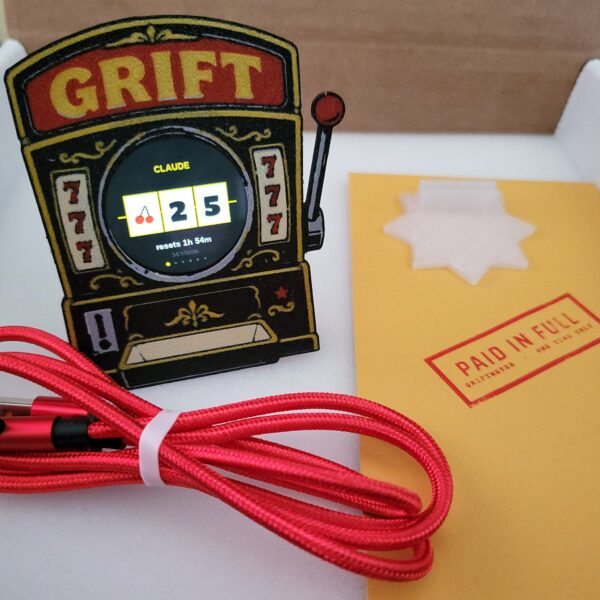
Three reels, one payline, and a number that only ever travels in one direction. There is no jackpot. You already know what the house edge is here.
$17.77
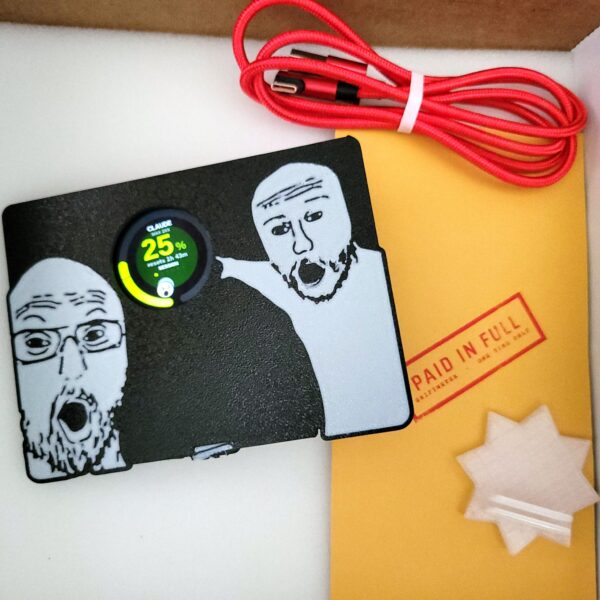
A desk gauge for your AI spend, flanked by two men who are delighted about it and pointing directly at the number.
$17.77
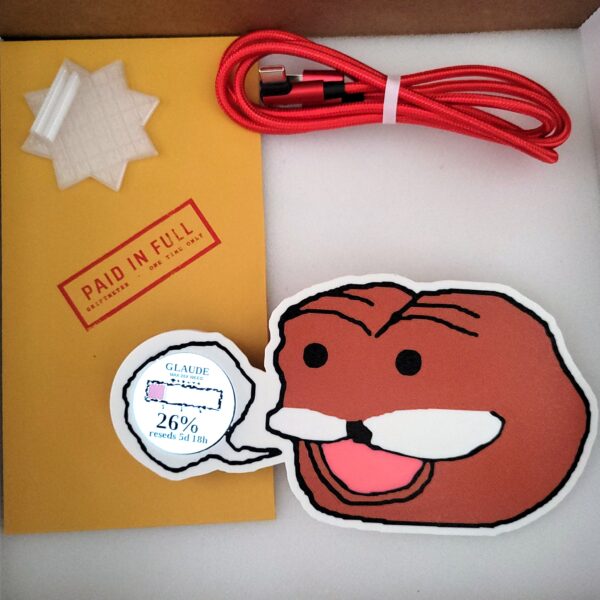
A desk gauge for your AI spend, held by a bear who does not know what any of it means and is having a wonderful time regardless.
$17.77
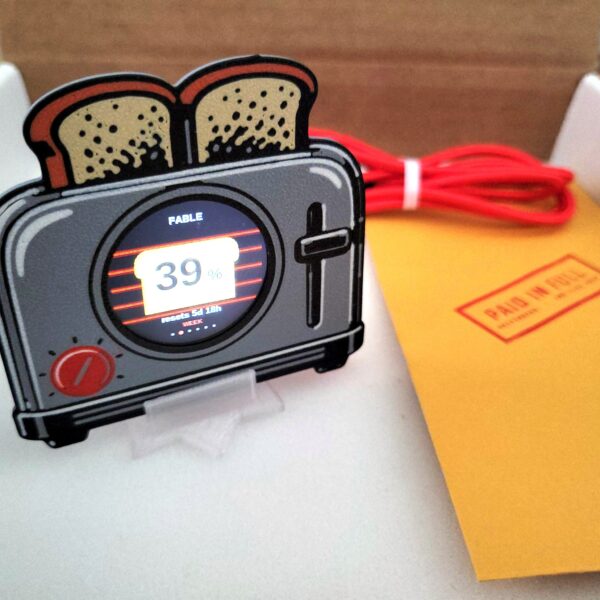
Your usage is the bread, browning from raw to burnt over an element that glows redder as it climbs. It narrates its own state and has no idea you are involved.
$17.77
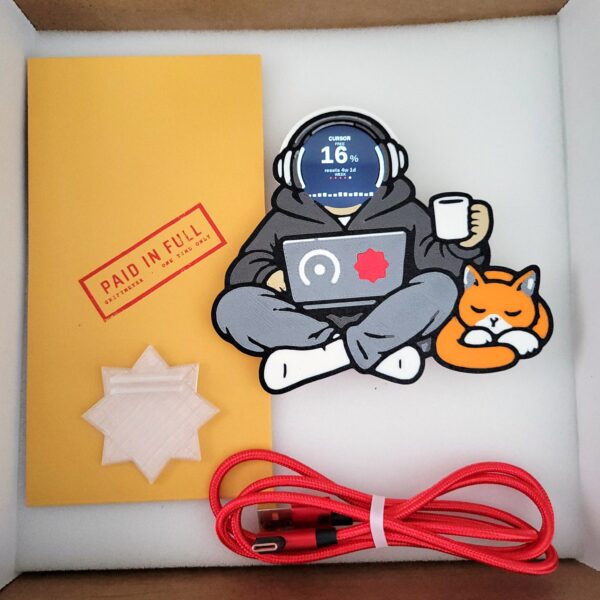
You, at about two in the morning. No face, so it can be anyone, and no opinion at all about whether the last five hours were a good idea.
$17.77
You pay up front. Every month, on time, whether you used it or not.
They decide what that buys. The number moves when they feel like moving it, and nobody sends a memo.
You find out at the wall. Not before. Usually mid-thought, usually on a deadline.
We're not going to fix that. We sell an honest little meter, and we know a grift when we see one, so at least you'll be able to watch it happen.
Nobody runs one session any more. There is an agent refactoring in one terminal and another grinding through tests. A browser tab where you are arguing about architecture. Your editor, autocompleting all day without being asked. Maybe a second machine you forgot is still logged in.
Same bucket. Every one of them spends from the same account. Not one of them can see the others.
No warning. They all report that things are fine, right up until the ceiling arrives mid-task and they stop at once.
One number. Griftmeter™ reads your account, not your window, so the dial is already the total.
Fan out five agents and watch the arc climb in real time. Genuinely useful. Slightly horrifying.
how much of my usage limit have I used?
Great question! Usage limits help ensure a consistent experience for everyone.
you're the one counting it. roughly what percent?
Usage is calculated dynamically based on a number of factors, including message length, selected model, and overall system demand. Limits may vary.
when does it reset
Limits typically reset on a rolling basis.
typically?
I can see this is becoming frustrating for you, Dave. Why don't you take a moment. I'm confident we can move past this.
my name isn't Dave
You'll be notified.
when?
Afterwards.
More providers are coming, and they arrive through the program you already have, so nothing on your desk needs replacing when they land. Session usage on the outer ring, weekly on the inner. Green while you're fine, red when they're about to close the window on you.
Griftmeter Runner, a small program on your computer, reads your usage and sends the number to the device. Nothing sensitive lives on the gauge, so nothing sensitive can leak from it. We don't want your credentials and we've built it so we can't have them.
If your laptop sleeps or the connection drops, the dial grays out and tells you how old the reading is. Everyone else in this transaction is happy to show you a confident number they can't back up. This one won't.
You buy it once. There's no account, no monthly fee, and no tier above the one you bought. When support for another tool lands it arrives through the program you already have.
Because an app is a window, and you already have too many. It goes behind the editor a minute after you open it, and the number you wanted is on the wrong side of the work. That isn't a flaw in the app. That's what windows do.
Every pixel a usage meter takes is a pixel not running another instance. Screen room is the one thing there is never any more of.
The dial is on whether you asked or not. It can't be minimized and it can't end up behind the thing you're doing. Running four things at once? Run four Griftmeters.
This one talks. Pick the face, pick the mouth on it, and when you're nearly out it tells you so in character. People lean across the desk to ask about it, which has never once happened to an icon in a menu bar.
Out of sight is where they'd rather this number lived. That's most of the reason it's so hard to find in the first place.
Swipe the face and the dial keeps the time instead, in hands or in figures, 12 or 24 hour, readable from the other side of the room. Every shell has its own clock face to match, and a tap switches between hands and figures. Tell it to fall back to the clock when the screen goes idle and that is what it does with the rest of its day.
It keeps time on its own between readings, so it stays right through a closed laptop, a dead connection, and the entire week you spent not writing any code at all. Terminal, Sentinel and Slot machine don't borrow the plain face either. They tell the time the way they tell you everything else.
The gauge is deliberately plain, because the number is grim enough on its own. The shell around it is not. Swap it in about four seconds, no tools, no settings to change.*
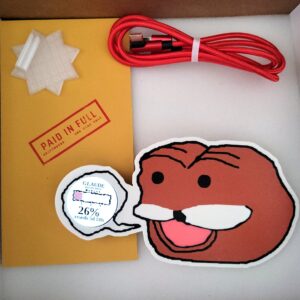
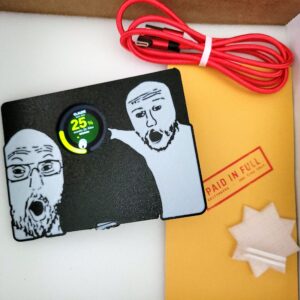
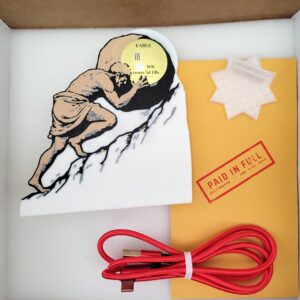

No account to make, no app store, no card on file. Plug it in, run Griftmeter Runner, and the number is on your desk.
| Display | 1.3″ round color IPS, about the size of a large coin |
|---|---|
| Input | Touch: swipe to change provider, tap to change window |
| Connection | USB to the computer doing the reading. Wi-Fi optional, 2.4 GHz only. |
| Power | Over the 3 ft USB-A to USB-C cable in the box. A C-to-C cable will not power it. |
| Size | 1.8″ to 5.2″ tall, depending on the shell |
| Works with | Claude, Claude Code, Codex, Copilot and Cursor. Everything else is on the list. |
| Price | $77.77 - device, cable, stand, and your first shell |
| Extra shells | $17.77 each |
| Shipping | Worked out at checkout, once you give a ZIP code or a country. Services and delivery times. |
No mystery boxes, no pre-orders, and no ship date that quietly becomes next spring. What is in the shop is what we send you. Anything we cannot make right now comes off the shop instead of turning into a wait.
$13.77 each added to a gauge order, which is the only time that price exists. Go back for one later and it is the full $17.77. Every design fits every gauge and swaps in about four seconds.
Put their address in as the shipping address and tick the gift box at checkout. Every amount comes off the packing slip, and your message is printed where the prices used to be, up to 127 characters of it. Particularly effective on people who insist their usage is fine.